Internal flash
Some cartridges, like the SuperChis feature an internal flash memory that can hold GBA ROMs. This allows you to write games and launch them without loading them from the SD card every time. Other advantages include no slowdowns while playing (in most cases), since the internal flash is faster than the volatile memory. As a downside, it usually takes a minute to write a game to flash and doing so wears the cartridge down. This flash should be good to write a few thousand ROMs without issues, but still.
Flashing ROMs to flash
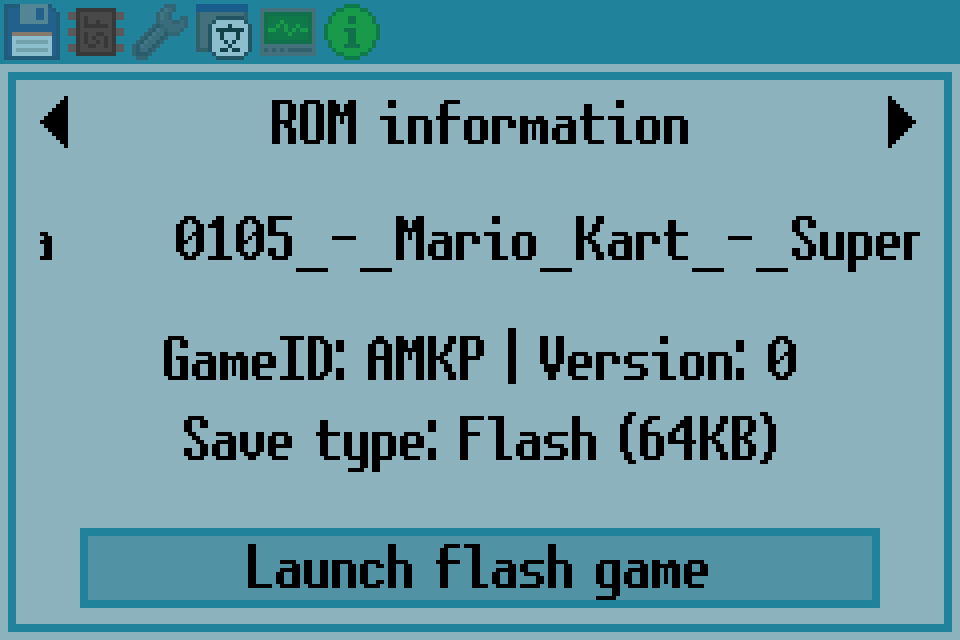
Browse to the desired ROM and open the file menu pressing Select. This will display an option at the bottom “Write game to flash”.
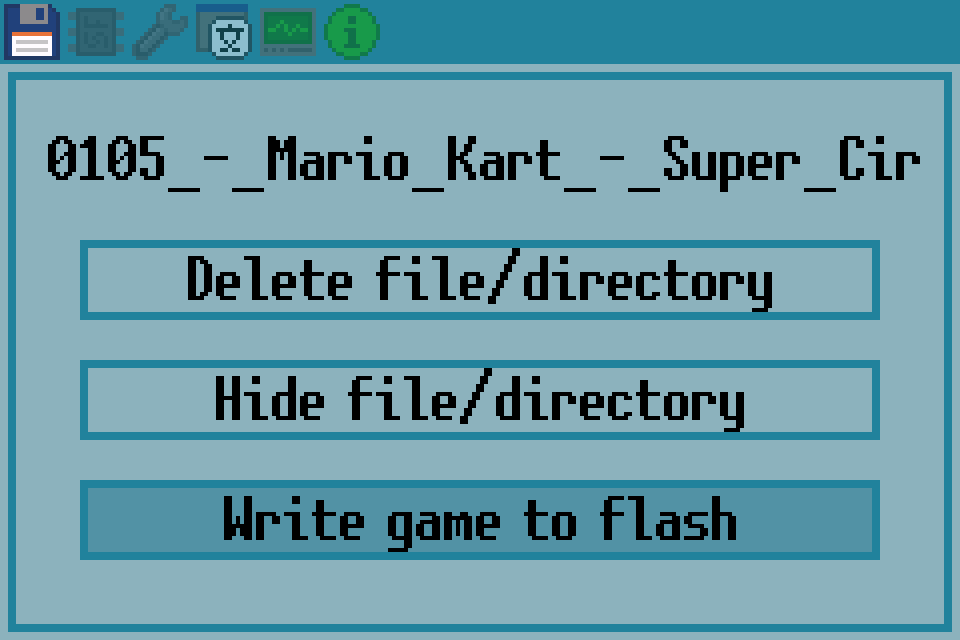
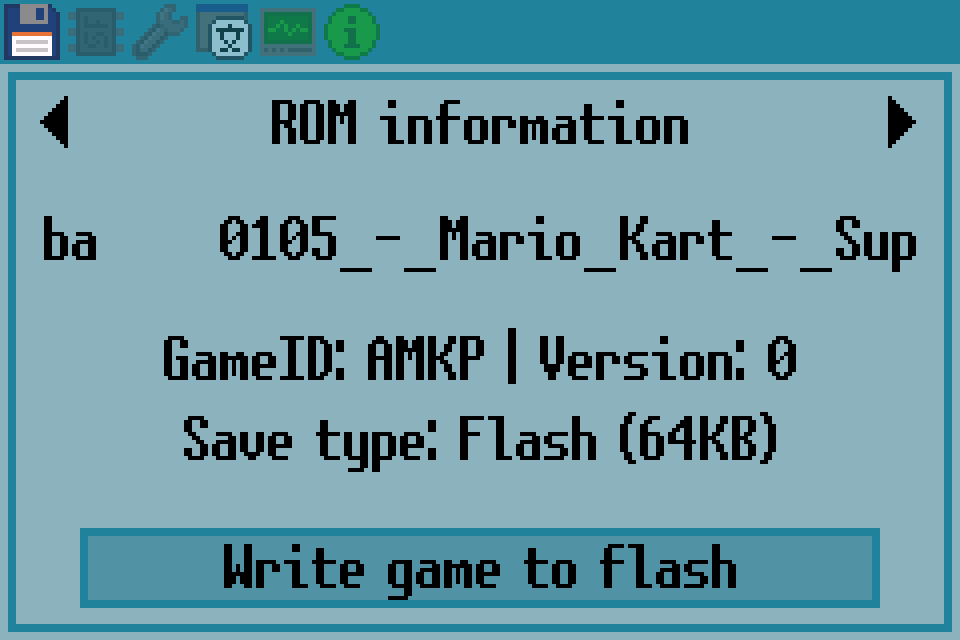
Upon selecting this option a screen similar to the game launch screen will appear. Here it is possible to tweak the patching options. This options influence how the ROM is patched before being written to flash. They cannot be changed later unless, of course, the game is re-flashed (ie. it is always possible to delete the flashed ROM and flash it again with different settings).
Launching flash-stored games
In carts that support this feature, there’s an additional tab that displays any internally-flashed game. By default (ie. after installing the firmware or formatting the internal flash) it should show an emtpy list.
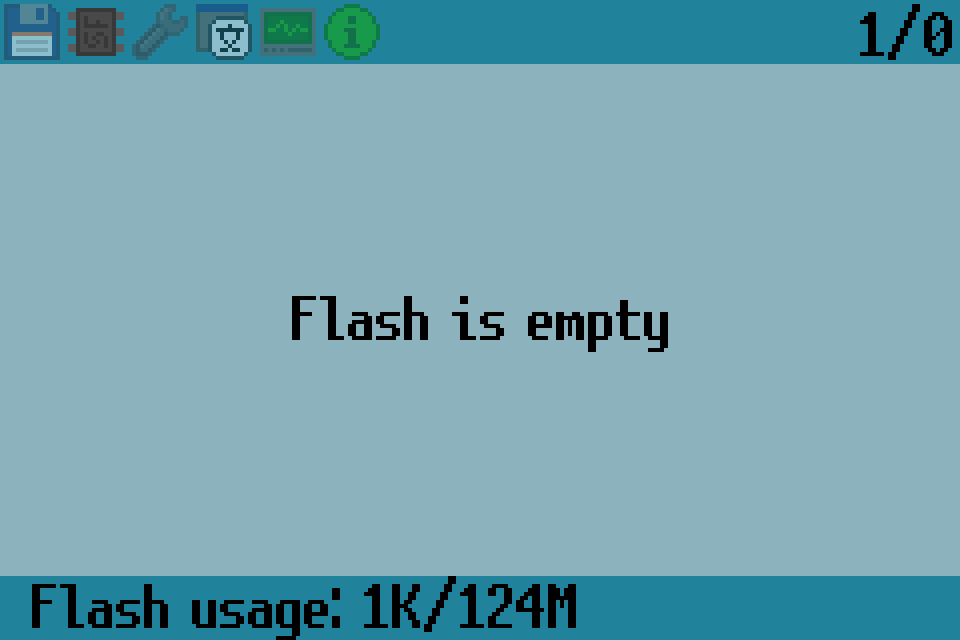
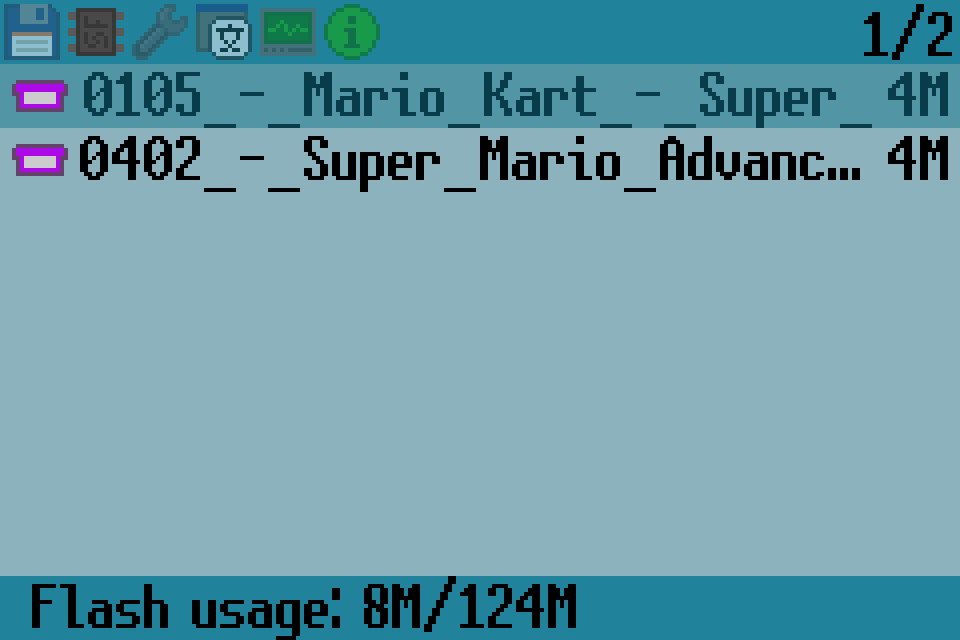
Once one or more games have been flashed they will be displayed here. Selecting a ROM will open the launch menu (a very similar menu to the regular ROM launching menu, except for the lack of patching options) where the user can tweak certain settings (ie. savegame options, cheats, etc.). Launching the game is almost instant, since it is not necessary to load any ROM from the SD card.